Technology & buying guide · 8 min read
Conference Room AV System Guide for Nepal Offices (Huddle to Boardroom)
Which camera, microphones, speakers, display and control to use in huddle rooms, meeting rooms, boardrooms and training halls — with real models supplied and installed in Nepal.
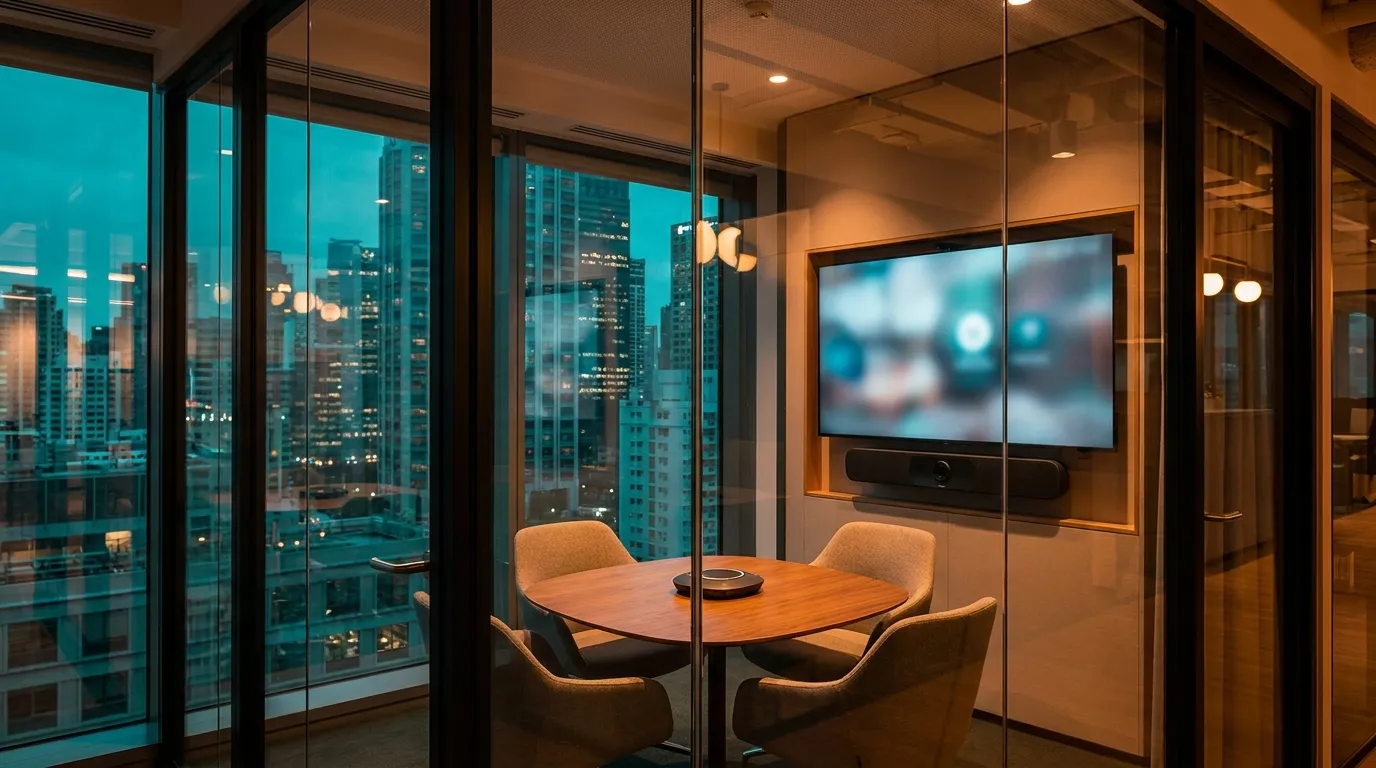
For most Nepal offices, a conference room system is a USB video bar, a display and wireless presentation for rooms up to about 30 m², and a separate PTZ camera, table or ceiling microphones, ceiling speakers and a matrix switcher for boardrooms and training halls. AudioVisual Nepal supplies, installs and supports every tier.
The table below matches room size to equipment using products on this site; the sections after it explain the choices and the Nepal-specific details — power backup, internet, and how ministries, banks and hotels use their rooms. See also our corporate AV solutions and the full video conferencing range.
Room-size quick guide
Sizes are indicative; a site survey confirms microphone coverage and display size for your room.
| Room | Seats / size | Camera | Microphones | Speakers | Display | Control & sharing |
|---|---|---|---|---|---|---|
| Huddle room | 2–6 seats · up to ~15 m² | InfoBit iCam VB40 video bar, or Tenveo CC600 360° camera | Built into the bar; Tenveo M3B for laptop-only calls | Built into the bar | 55–65" flat panel | InfoBit iShare X200 wireless presentation |
| Meeting room | 6–12 seats · ~15–30 m² | InfoBit iCam VB50 or iCam VB60 | VB60 + up to 4 expansion mics, or InfoBit iSpeaker M250 | Built into the bar | 65–86" panel or Lampro LHP LED | iShare X200 |
| Boardroom | 12–24 seats · ~30–60 m² | InfoBit iCam VB80 bar, or PTZ: Tenveo UV620A / InfoBit iCam P30 | itc TS-0318C units on a TS-0400M controller, or chained iSpeaker M500 | DSPPA DSP5211 ceiling speakers + DSPPA DMA250U | Lampro LMini COB LED or Triolion TRD1055B LCD wall | InfoBit iMatrix HU44 + iShare X400 |
| Training hall | 30–100+ seats | AI tracking PTZ: InfoBit iCam PT40 or Tenveo NV20A AI | itc T-592UH wireless + podium mic | DSPPA DSP5211 ceiling zones + DSPPA DMA6250U | Laser projector (Wincomn C-4K650, Krinda C-WU700L) or LED | InfoBit iSwitch 265 + Evolve Podium E1 |
Camera: video bar, 360° or PTZ
A video bar puts the camera, microphones and speaker in one USB device, which is why it suits most rooms up to about 30 m². The iCam VB50 adds AI auto-framing and HDMI output; the VB60 follows the active speaker and chains up to four expansion microphones. For round tables, a 360° camera such as the Tenveo CC600 shows everyone without repositioning.
Long boardroom tables and training halls need optical zoom. A PTZ camera — Tenveo UV620A (4K, 20× zoom, AI tracking, NDI) or InfoBit iCam P30 (4K, 12× zoom, 255 presets) — frames the far end of the table as well as the near end. For lecturers who walk, the dual-lens iCam PT40 tracks the presenter while a wide lens shows the room.
Microphones decide meeting quality
Remote participants judge a meeting by how well they hear the room. Every seat should be inside a microphone's pickup range: a video bar covers a meeting room; a boardroom needs chained speakerphones — up to five iSpeaker M500 units cover around 100 m² — or a conference microphone at each seat.
Formal meetings in ministries, bank boards and councils usually need a conference system — chairman and delegate units such as the itc TS-0318C, speaking order, and recording — whose output also feeds the video call. If you hold multilingual meetings, the same system can carry interpretation: see our simultaneous interpretation guide.
Speakers and display
Speakers built into a video bar are enough up to a meeting room. In boardrooms, ceiling speakers such as the DSPPA DSP5211 spread the far-end voice evenly so people at the end of the table hear as clearly as those near the screen.
Size the display for the farthest seat: as a rule of thumb, that seat should be no more than about four to six times the image height away. Above roughly 86", a fine-pitch LED wall or a laser projector usually beats tiling flat panels — compare them in our LCD vs LED video wall guide and laser projector buying guide.
Control and content sharing
Guests should share a screen without cables or drivers. A wireless presentation system such as the iShare X200 (4K60, up to 16 users) or the four-source iShare X400 does this for laptops and phones.
Boardrooms with several displays, a room PC and guest laptops need a matrix switcher: the iMatrix HU44 routes HDMI and USB (camera, speakerphone) to the right endpoint, and the iSwitch 265 adds USB-C with charging, Dante audio and seamless switching. Program the room so one button starts a meeting.
Nepal specifics: power, internet and how rooms are used
- Power backup — put the video bar or room PC, network switch, matrix and display on an online UPS. A generator change-over drops the call and can reboot the display; 15–30 minutes of runtime covers most change-overs.
- Internet — connect the room by wired Ethernet, not Wi-Fi, and check upload speed, which video calls depend on. For important calls, a second ISP line gives a fallback.
- Platforms — most offices switch between Zoom, Microsoft Teams and Google Meet, so a USB "bring your own meeting" setup (laptop to bar) is the most flexible. Rooms in daily use can run Zoom Rooms or Teams Rooms on a room PC or on the Android-based iCam VB80.
- Ministries and government offices — chair control, recording and sometimes interpretation; plan conference units plus a PTZ camera rather than a video bar alone.
- Hotels — meeting rooms rented to different clients each day need simple, laptop-agnostic sharing and a clearly labelled wall plate; avoid anything that needs a password from the IT team.
- Acoustics — glass-walled rooms echo. Curtains or wall panels improve call quality more than adding microphones.
Recommended equipment
| Role | Model | Why |
|---|---|---|
| Huddle video bar | InfoBit iCam VB40 | 4K camera, mic array, speaker — one USB cable |
| Meeting-room video bar | InfoBit iCam VB60 | Speaker tracking, 4 expansion mics |
| Boardroom video bar | InfoBit iCam VB80 | 8 m mic range, wireless BYOD, Android |
| PTZ camera | Tenveo UV620A | 4K60, 20× zoom, AI tracking, NDI |
| Speakerphone | InfoBit iSpeaker M500 | Beamforming, chain 5 units |
| Conference units | itc TS-0318C | Chair control, speaking order |
| Ceiling speaker | DSPPA DSP5211 | Coaxial 6.5", even voice coverage |
| Wireless presentation | InfoBit iShare X200 | 4K60, 0.1 s latency |
| Matrix switcher | InfoBit iMatrix HU44 | HDMI + USB routing |
| Group kit | Tenveo VA612EX | PTZ camera + speakerphone in one box |
Frequently asked questions
What is the best video conferencing system for a small meeting room in Nepal?
For up to about 12 people, an all-in-one USB video bar such as the InfoBit iCam VB50 or VB60 — camera, microphones and speaker in one device — plus a display and a wireless presentation system.
Do these systems work with Zoom, Microsoft Teams and Google Meet?
Yes. The USB video bars, cameras and speakerphones on this site connect as a standard camera and audio device, so they work with Zoom, Teams, Google Meet and other major platforms on the connected computer.
How much does a conference room system cost in Nepal?
It depends on room size and tier — a huddle room with a video bar is the entry point, while boardrooms with conference units, ceiling audio and LED displays scale with the room. Pricing is quote on request, after a free site survey.
Video bar or separate camera and microphones?
A video bar is simpler and suits rooms up to about 30 m². Larger boardrooms and training halls need a PTZ camera with optical zoom and microphones closer to each seat.
Do we need a UPS for the meeting room?
Yes. Put the video bar or room PC, network switch, matrix and display on an online UPS so a generator change-over does not drop the call.
Do you install outside Kathmandu?
Yes — AudioVisual Nepal designs, supplies and installs conference room systems across Nepal, with training and after-sales support.
Want an engineer to check your plan?
Free site survey, system design and an itemised quotation from our engineers.